Backgrounds
The contour and halftone fields, the drawn map kit, and both gradient families. Every field ships as a true vector SVG and as a PNG — the contour and halftone SVGs are traced line-for-line and dot-for-dot from the source art, so they scale without going soft.
The generated fields
The two fields that carry the cartographic idea. Both tile seamlessly. Keep them at 7–12% behind content — 7% on paper, 9% inverted on deep ocean — unless the field is the subject rather than the ground.
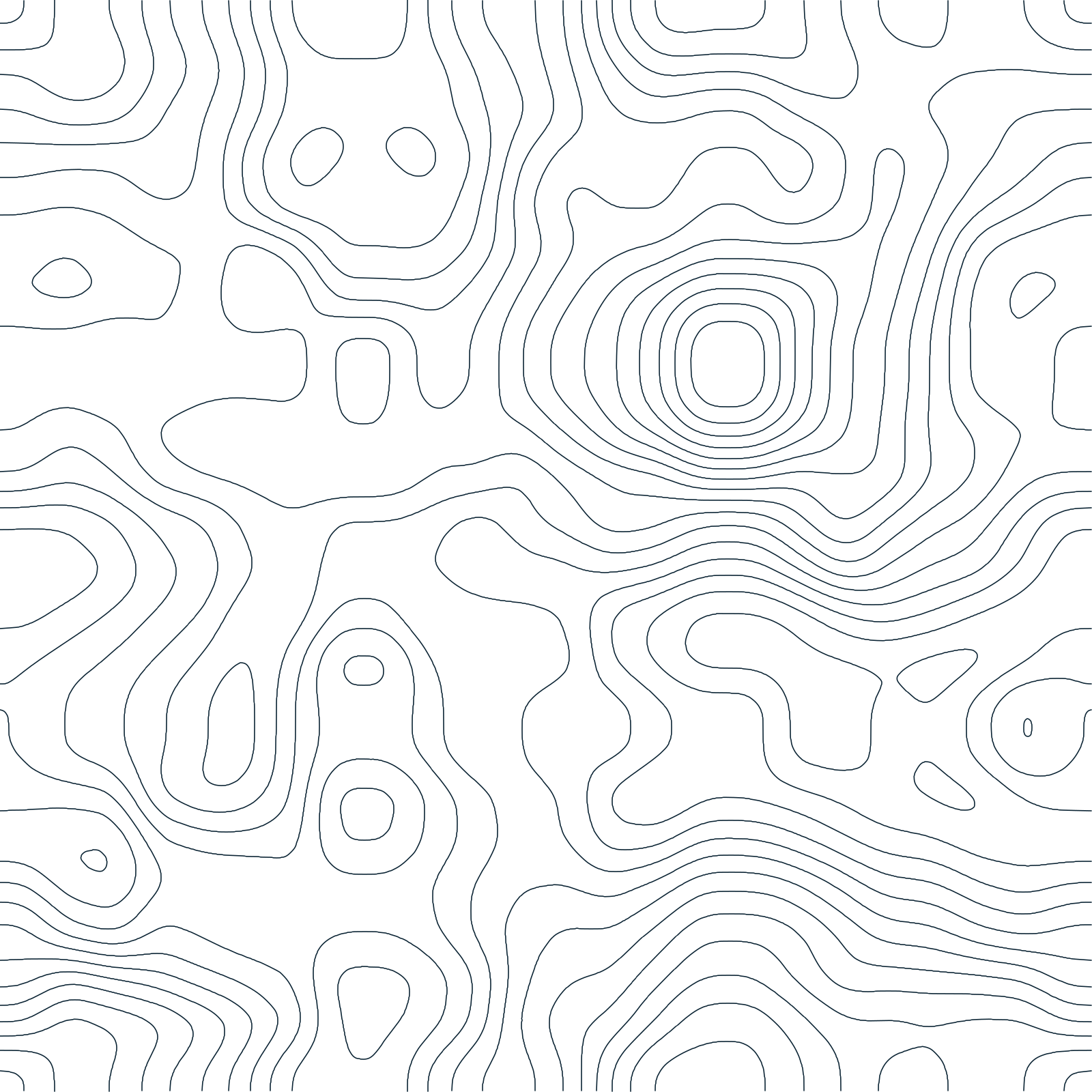


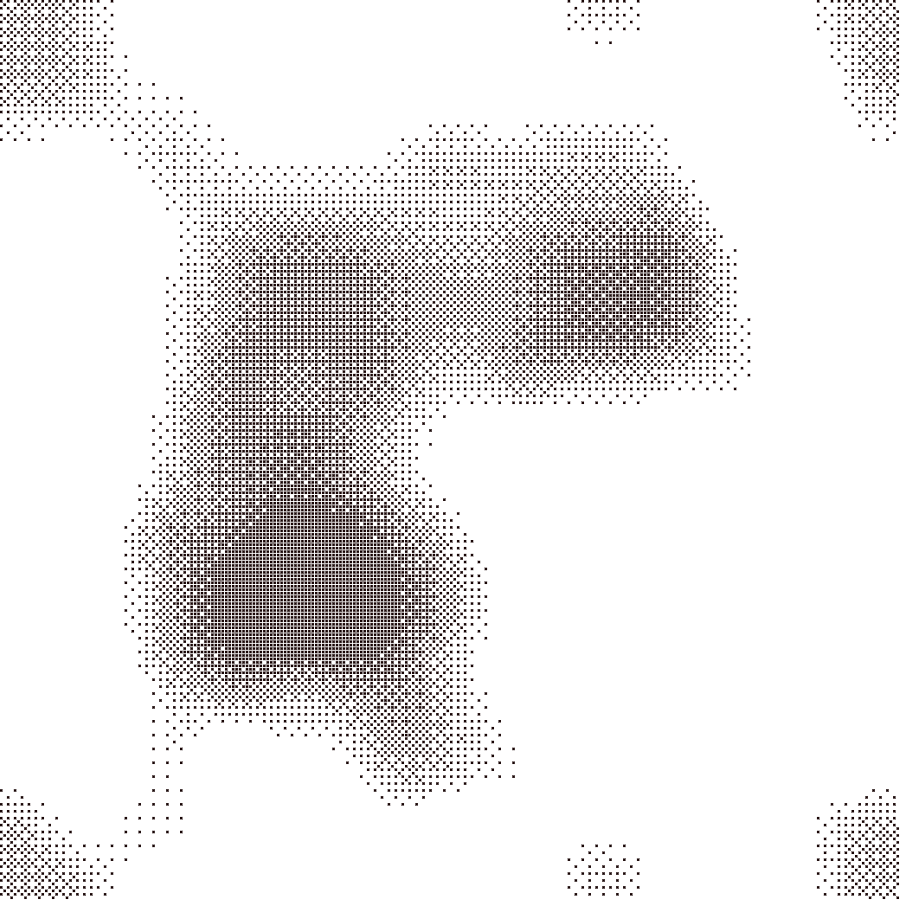
The drawn map kit
Route dashes, hachure and the survey grid. These are CSS in production — the files here are for Figma and print work. Each SVG tiles from its own pattern definition.
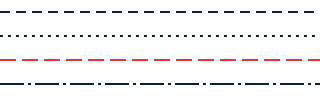
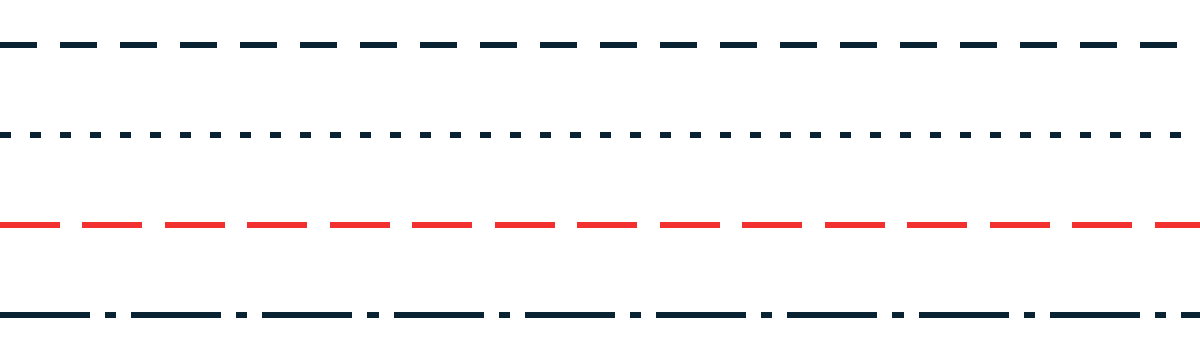


Product gradients
For floating a product screenshot off the page — never behind type, never a button fill, never twice on one screen. The PNGs are rendered through the full recipe (halftone at 50% overlay, 38px blur); the SVGs carry the clean stops.





















Atmospheric fields
Campaign surfaces only. Layered radials rather than a single axis, grain at 34% soft-light and no blur. The one place type may sit on a gradient.












A note on the files
The gradient PNGs already carry the treatment the guide asks for, so they can be dropped straight behind a screenshot. The gradient SVGs deliberately do not — they hold the raw stops and angles, which is what you want when you are rebuilding a field in Figma or extending it to a size we don’t ship. Apply the dither and blur yourself at that point.